RenPy Persistent Editor
A downloadable tool for Windows, macOS, and Linux
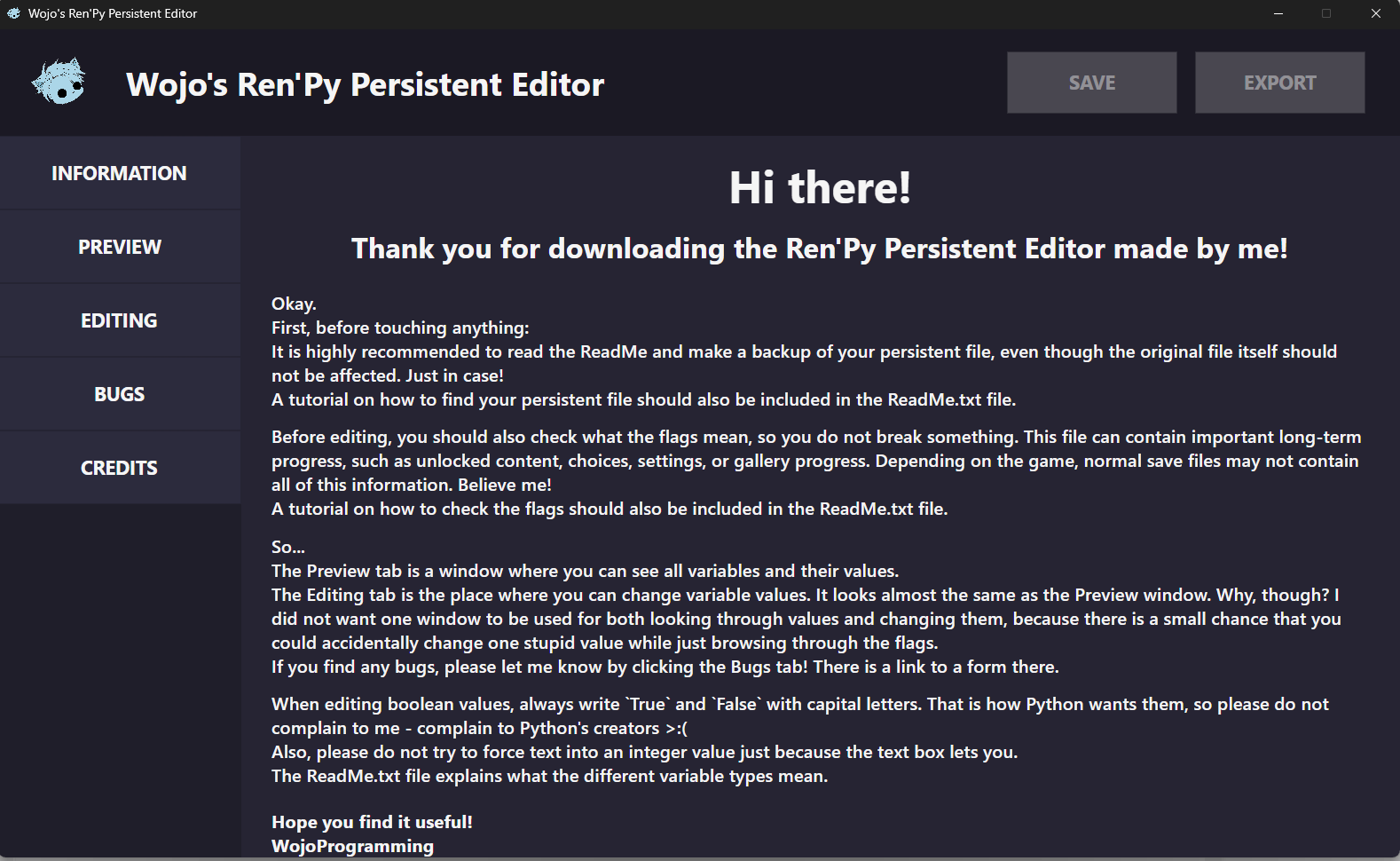
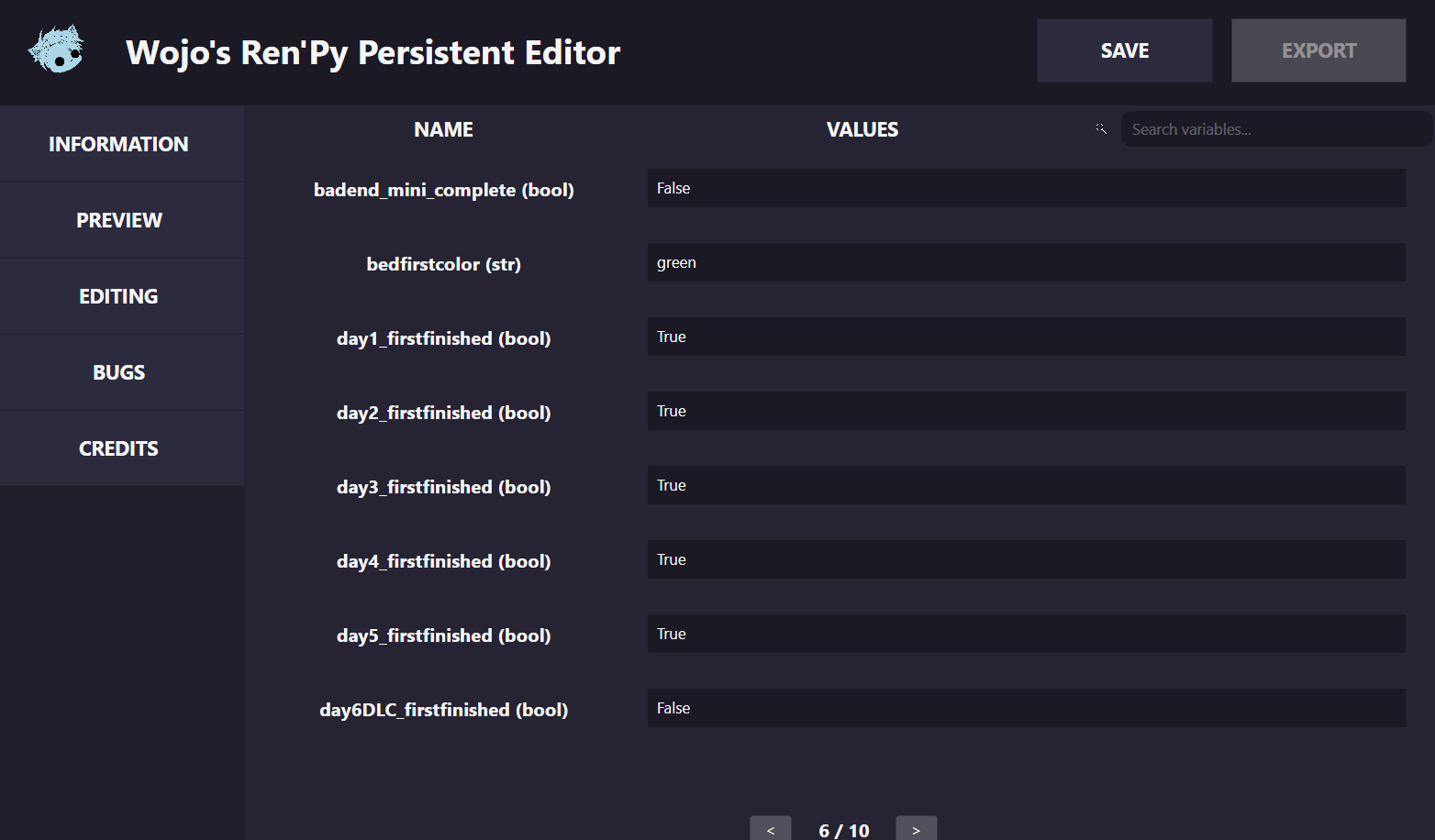
Open-source cross-platform editor for Ren'Py persistent files. Preview and safely edit variables on Windows, Linux, and macOS.
Optional support
This tool is completely free. If it helped you, you can optionally support a broke developer with a dollar or two. No pressure <3
GitHub link: Click here!
Download
Install instructions
HOW TO RUN THE APPLICATION
You do not need to install Python or .NET.
Keep all files from the extracted folder together.
WINDOWS
-------
1. Download the Windows x64 package.
2. Right-click the downloaded .zip file and choose "Extract All...".
3. Open the extracted folder.
4. Run WojoPersistentEditor.exe.
Windows may show a SmartScreen warning because the application is not
code-signed yet. Only choose "More info" -> "Run anyway" if you downloaded
it from this project's official GitHub Release or itch.io page.
MACOS
-----
1. Check your Mac type: Apple menu -> About This Mac.
2. Download:
- macOS Apple Silicon for M1, M2, M3, M4, and newer Apple chips;
- macOS Intel for older Intel-based Macs.
3. Extract the downloaded .tar.gz archive.
4. Open Terminal in the extracted folder and run:
chmod +x WojoPersistentEditor
./WojoPersistentEditor
macOS may block the application because it is not code-signed yet.
If that happens, try opening it once, then go to:
System Settings -> Privacy & Security -> Open Anyway.
Only do this for a file downloaded from the official project page.
LINUX
-----
1. Download the Linux x64 package.
2. Extract the downloaded .tar.gz archive.
3. Open a terminal in the extracted folder and run:
chmod +x WojoPersistentEditor
./WojoPersistentEditor
If Ubuntu or Debian reports a missing library such as libICE.so.6 or ICU,
run:
sudo apt update
sudo apt install -y libicu-dev libice6 libsm6
Development log
- Ren'Py Persistent Editor first public beta!3 days ago
Leave a comment
Log in with itch.io to leave a comment.